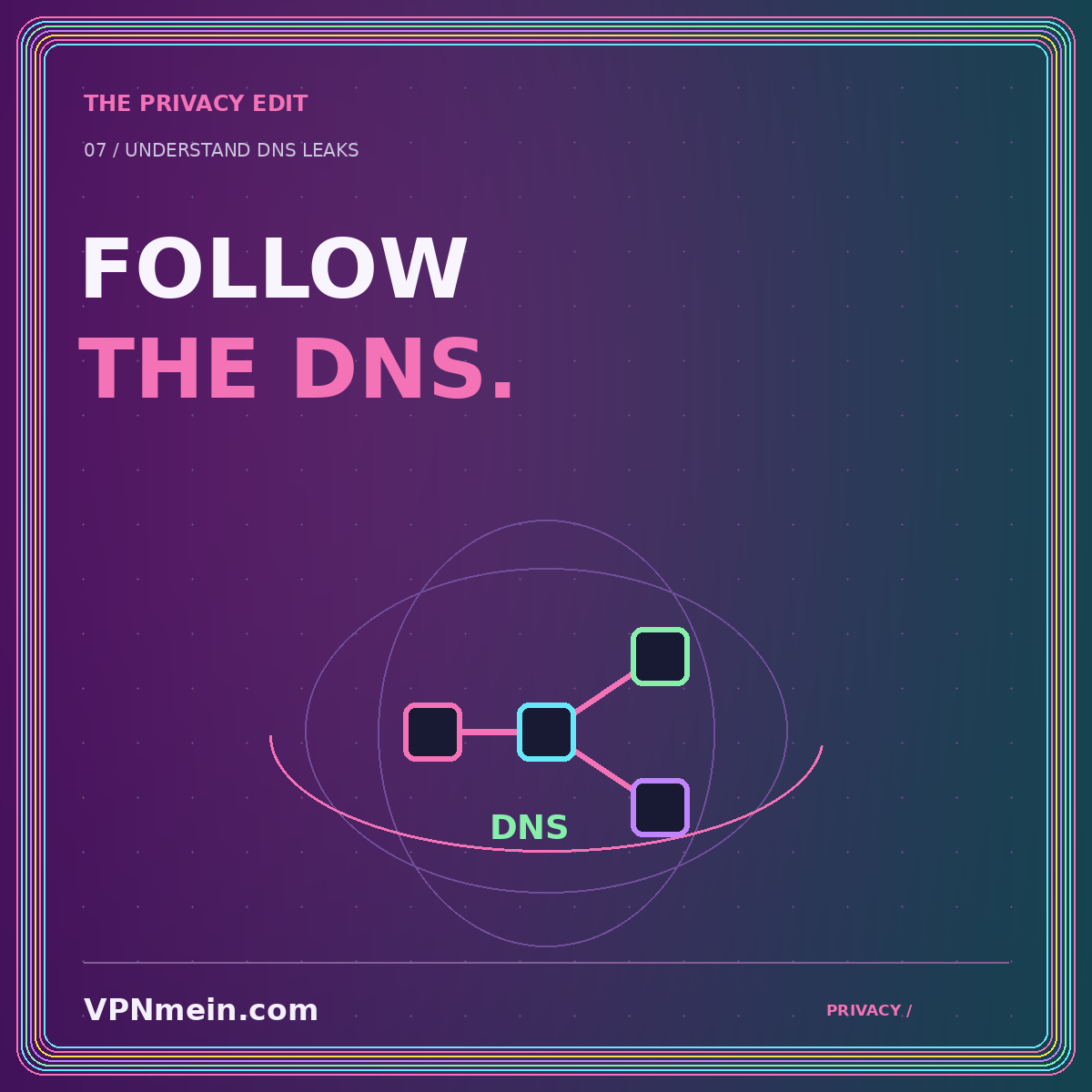
A changed public IP address is only one part of a VPN connection check. Your applications also need to resolve names such as a website's domain into network addresses. That process is DNS. When DNS follows an unexpected route outside the protection you intended, it can create a privacy mismatch even while other traffic uses the tunnel.
The word “leak” should describe a departure from an intended policy, not merely an unfamiliar result on a test page. Before interpreting anything, define what your setup is supposed to do. Which resolver should receive queries? Should the route to it use the VPN? Are any browser or app-specific settings intentionally different? These questions make a test result useful.
Understand the lookup separately from the connection
Think of a browser visiting a site as involving at least two conceptual tasks: finding an address for the name and communicating with the destination. Caches and modern network features can complicate the details, but the distinction is useful. A check of the address seen by the website does not by itself establish the path used for every lookup.
The operating system, VPN application, and browser may each have relevant DNS settings. Some applications also use their own resolver behavior. That is why a single setting in a router or one visible VPN icon should not be treated as a complete description of name resolution on every device.
The goal is not to distrust every result. It is to separate observations. Record what a public-IP check shows, what a resolver check shows, and which application performed each test. The combined picture is more informative than one generalized “protected” status.
Define what would count as unexpected
Suppose you intend your personal device to use the VPN provider's supported DNS configuration while connected. Seeing the local internet provider's resolver may raise a question, but the exact interpretation still depends on the test, the configured resolver, and how the provider operates. Investigate before declaring a failure.
Now suppose you deliberately configured a separate encrypted DNS service. Its name appearing in results might be expected. You still need to understand the route to that service and whether it meets your privacy requirement. Resolver identity and transport path are related but not identical pieces of evidence.
For a provider-specific explanation of configuration issues, see Mullvad's DNS leak guidance. Use its advice within the scope of the product and setup it describes. Do not blindly transplant a configuration change into an unrelated client just because the symptoms seem similar.
Know what a browser-based test can observe
A typical DNS test asks the browser to request specially chosen names and reports information about the resolvers involved. That is evidence about the test requests at that moment. It is not automatically an audit of every application, every background service, or every network transition on the device.
Location labels can also mislead. A resolver's displayed location may reflect a database entry or network infrastructure rather than the precise physical path your device used. An unfamiliar city is therefore not enough, by itself, to establish a leak or a failed VPN connection.
Use results to formulate the next question. “This test reported this resolver while this browser was configured this way” is a strong observation. “Nothing on my device can ever bypass the VPN” is a much stronger conclusion that the same test does not establish.
Establish a small, documented baseline
Before changing anything, note the device, operating system, VPN app version, selected protocol, and any custom DNS settings you know about. Check whether split tunneling is enabled and whether the browser is deliberately excluded. Those details matter when you compare observations or contact support.
Use the provider's supported connection-check method where available. Make your first observation in a non-sensitive session. Record the result without posting your full public address or screenshots containing account details in a public forum. You usually need the pattern of behavior, not a permanent public record of your network identifiers.
A disconnected baseline can sometimes help interpretation, but only perform it when doing so is compatible with your needs and the provider's testing guidance. Do not disable a required tunnel on a managed device or during sensitive work simply to complete a generic checklist.
Check overlapping settings one at a time
A common source of confusion is an accumulation of independent choices: a custom resolver in the operating system, a browser's secure-DNS preference, a VPN client's setting, and a router configuration. Each may have been reasonable when added, yet their combined behavior may no longer match your expectations.
Write down the current values before changing them. Start with the provider's documented defaults for your platform, then repeat the same test in the same application. Change one setting at a time so that a different result can be connected to a specific action.
Do not disable protections indiscriminately to make a test label turn green. A test site's preferred resolver arrangement may differ from a deliberate setup that meets your requirements. The purpose is to understand the route, not to optimize for an unexplained badge on one page.
Examine split tunneling and address-family coverage
An app exclusion may intentionally send both browsing and related requests outside the tunnel, or the product may handle DNS through a shared system path. The exact interaction is implementation-dependent. Read the supported behavior before deciding that an excluded app should look identical to a protected one.
IPv4 and IPv6 also deserve separate attention where the provider documents their handling. A result about one address family does not automatically establish the behavior of the other. Avoid interpreting a partial test as comprehensive simply because it returned without an error.
The split-tunneling guide helps you inventory deliberate exceptions. Our kill-switch explainer addresses what can happen during interruptions. Together, those checks make it easier to distinguish a routing choice from an unexpected escape from the intended policy.
Repeat the relevant scenario, not random variations
Once a steady connection behaves as expected, consider the ordinary transition that matters to you. That might be waking a laptop or reconnecting on a different personal network. Follow the provider's suggested method, keep the session non-sensitive, and repeat the same observations rather than adding unrelated changes.
A result that changes only after a particular event is useful information. Note the event, the time relative to reconnection, and whether the browser or app was restarted. These details can help a support team reproduce the condition without needing access to your private browsing activity.
If you cannot reproduce the result, keep the uncertainty visible. Intermittent observations do not become confirmed failures through repetition in a support message. Describe what happened, how often you saw it, and what the test actually measured.
Ask support a question they can investigate
A useful support report identifies the expected resolver policy, the observed result, and the relevant configuration. Include non-sensitive version information and a concise sequence of steps. Remove credentials, account identifiers, private keys, and unnecessary network addresses from any attachment before sharing it through a verified channel.
Ask whether the reported resolver identity is expected for that configuration. Then ask which supported change or test can distinguish the competing explanations. This is more productive than requesting a universal assurance that the service never leaks under any circumstances.
Avoid copying commands or firewall rules from a stranger's configuration as your first response. A change that hides one symptom can break DNS entirely or create a different exception. Prefer a documented fix with a clear rollback path.
The takeaway: interpret the evidence narrowly
A DNS check is valuable when it answers a defined question about name resolution in a specific setup. Separate resolver identity from route, distinguish browser observations from whole-device claims, and keep custom settings understandable. Record changes and verify the scenario that matters to you. For the larger connection picture, return to the VPN essentials hub and the privacy hub. The objective is an explainable configuration, not a screenshot that promises more than the test can know.