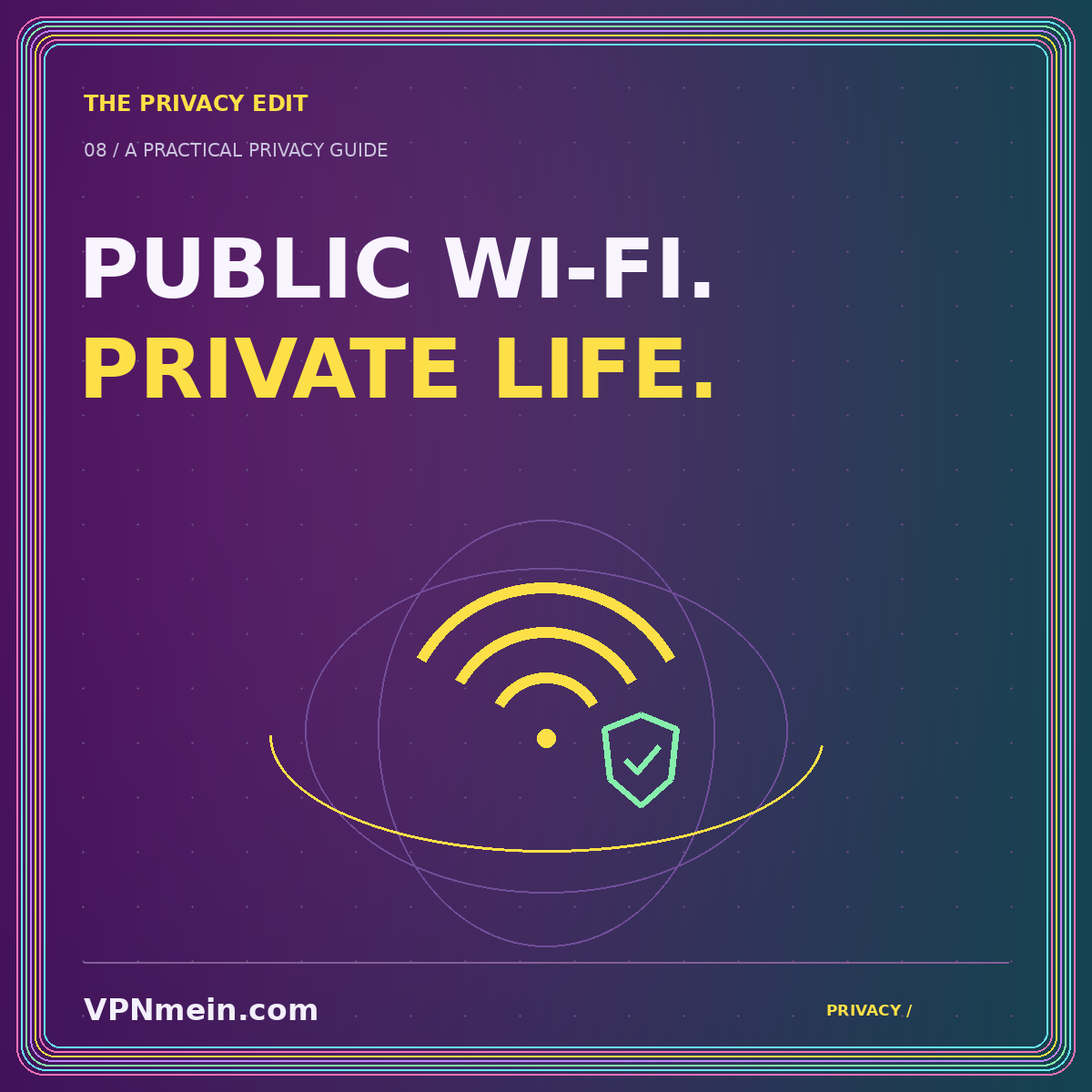
Public Wi-Fi is convenient, and using it does not automatically mean your accounts are exposed. The useful question is which parts of a connection are protected, which parties you trust, and what activity you are doing. A VPN can change part of that picture, but it is not a substitute for understanding the website or application you are using.
This guide takes a measured approach. Rather than treating every café network as a disaster, it separates network visibility, encrypted web connections, deceptive websites, and device security. That helps you choose sensible precautions without buying a product out of fear or dismissing every concern because one icon looks reassuring.
Start with what HTTPS already does
When correctly implemented, HTTPS encrypts the connection between your browser and a website. The Federal Trade Commission explains that the widespread use of encryption means public Wi-Fi is usually safe for ordinary web connections. That is an important correction to the idea that every nearby person can automatically read everything you type on a modern website.
Encryption does not establish that the operator of the website is trustworthy. A deceptive site can use HTTPS too. If you submit a password to the wrong destination, the connection can be encrypted while still delivering the password to someone who should not receive it.
Keep those two questions separate: is the connection protected, and is this the destination I intended? A VPN does not remove the need to check both. Never treat a lock, a connection indicator, or a privacy-themed logo as a universal certificate of honesty.
Identify the remaining network question
Even when the content of a web conversation is encrypted, some information about network activity can remain observable along the path. A VPN can reduce the local network's direct visibility into traffic carried inside its tunnel. In exchange, you introduce the VPN operator as an important party in that route.
The right decision depends on your purpose and trust relationships. Using a provider you have evaluated on an unfamiliar network is different from installing an unknown free app after seeing an alarming advertisement in a hotel lobby. A hurried choice can replace one uncertainty with another.
Our VPN fundamentals guide explains where the tunnel starts and ends. Read that boundary literally. It is protection for a defined path, not a change to the identity of the website, the safety of a downloaded file, or the condition of your device.
Prepare before you leave your usual network
Make necessary software updates while you have time and a familiar connection. Confirm that your ordinary authentication and recovery methods work. A trip is a poor moment to discover that an important account depends on a device you left at home or an app you never finished setting up.
If you plan to use a VPN, install it through the provider's verified distribution path and learn the settings before you need them. Test an ordinary connection, read the documented interruption behavior, and understand how to restore access when a strict blocking mode is active.
Prepare a fallback that suits the activity. That could mean using your own mobile connection, postponing a non-urgent task, or following an employer's approved remote-access process. The point is not that one connection is automatically perfect. It is that you are less likely to improvise under pressure when an alternative is available.
Join the intended network deliberately
When a venue offers Wi-Fi, confirm the network name through the venue's normal information channel rather than choosing a similarly named network at random. Be cautious about unexpected requests to install software, certificates, or management profiles merely to browse the web. Ask for clarification rather than proceeding through a confusing prompt.
Some networks use a captive portal that must be completed before ordinary internet access is available. That can interact with a VPN or traffic-blocking setting. Follow the provider's documented process and keep sensitive applications closed while resolving the initial connection.
A successfully completed portal tells you that access was granted; it does not prove the network is appropriate for every task. Likewise, a portal that asks for more personal information than you are comfortable sharing gives you a reason to use a different connection or postpone the activity.
Keep the destination in view
Open important services through a bookmark, an app you already trust, or a carefully entered address. Unexpected messages inviting you to sign in can create a risk that is unrelated to the Wi-Fi network itself. A VPN does not distinguish your intended login page from a persuasive imitation on your behalf.
Treat browser certificate warnings as a reason to stop and investigate. Do not bypass them simply because the VPN says connected. If a familiar service suddenly behaves strangely, use another trusted route to check the service's normal status or support guidance rather than entering credentials repeatedly.
For ordinary privacy, also consider what is visible on the screen and what information you say aloud. A technically protected connection does not stop someone nearby from reading a document over your shoulder. The environment includes physical as well as network considerations.
Use account and device protections for their own jobs
Strong, unique passwords and available multi-factor authentication address account-access risks. Software updates address known issues in the programs you run. Device locking protects access when you step away. These controls do not become unnecessary when you add a tunnel to the connection.
Avoid interpreting “VPN on” as a reason to install an unverified file or ignore a suspicious message. Information can be exposed before it reaches the network, after it arrives at the destination, or through an action you authorize yourself. A network tool only addresses part of that sequence.
The privacy hub organizes these layers so that one product does not stand in for a broader routine. Choose a few practices you can maintain consistently rather than accumulating controls that you do not understand or rarely use.
Check transitions that happen during your day
A phone may move between Wi-Fi and a mobile connection. A laptop may sleep while you walk to another room. Those transitions are normal, but the VPN app's behavior during them matters when you rely on continuous tunneling. Read the documented behavior for your exact platform and mode.
The kill-switch guide explains why an unexpected interruption and a manual disconnect may not be equivalent. Perform any deliberate checks in a non-sensitive session, not while uploading confidential material or joining an important call.
When a connection returns, inspect the relevant status rather than assuming that every setting survived the interruption. If you temporarily changed a mode to complete a portal, restore or consciously reconsider that change afterward. A brief recovery note can prevent a temporary workaround from becoming your permanent default.
Keep work requirements separate from personal preferences
An employer may require a managed device, a particular access gateway, or specific rules for handling confidential information. Follow that process. A personal VPN subscription does not automatically satisfy organizational access requirements or authorize use of a network for every work task.
If a required tool will not connect, contact the appropriate administrator through the established support route. Avoid stacking multiple VPNs or disabling security controls at random. Doing so can obscure the original problem and create a configuration neither you nor the support team recognizes.
For personal tasks, make a proportional decision. Reading a public page and accessing sensitive material are not identical activities. Consider the consequences of an error and choose a route that you can explain without assuming the network or a privacy app is infallible.
The takeaway: use layers, not fear
Public Wi-Fi is not automatically unsafe, and a VPN is not an all-purpose guarantee. Understand HTTPS, choose destinations carefully, maintain account and device protections, and evaluate any VPN provider before relying on it. Prepare a fallback and know how your setup behaves when the connection changes. Continue with how to choose a VPN when you have a specific routing need, rather than letting a dramatic warning make the decision for you.